
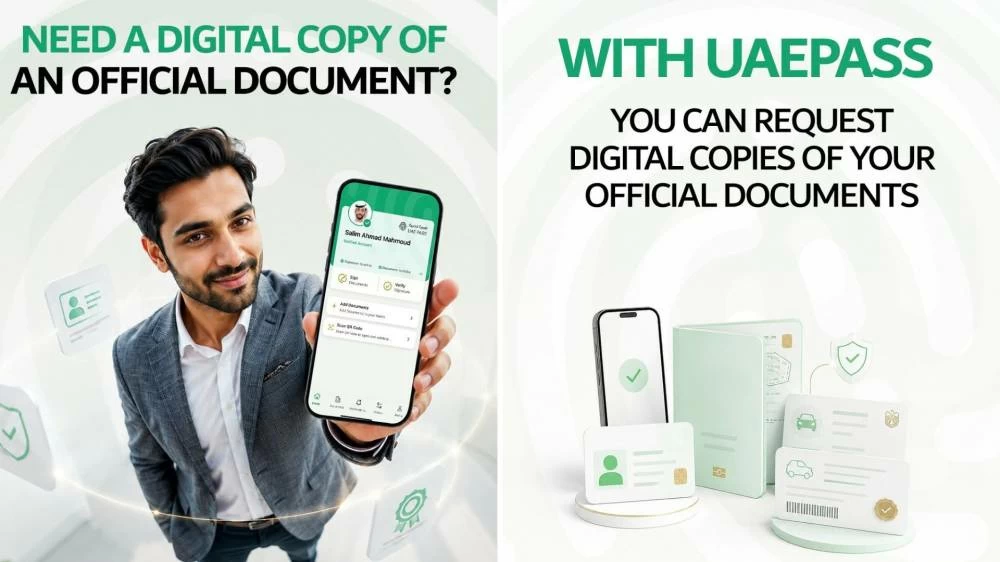
In Dubai, residents are embracing a digital lifestyle, and obtaining official documents has never been easier. With the UAE PASS app, you can access essential paperwork like your Emirates ID, driving license, and vehicle registration card without the hassle of physical copies. This guide walks you through the process of acquiring digital versions of your essential documents right from your smartphone.
Why Embrace Digital Document Management?
The move towards digital document management is an inevitable trend in a progressive city like Dubai. With its forward-thinking approach, the Dubai government has been actively working to transition to a paperless administration. Since the launch of the Dubai Paperless Strategy in 2018, over 336 million sheets of paper have been eliminated from governmental transactions annually, resulting in significant time, resource, and environmental savings.
Digital Dubai, the government entity driving this transition, aims to ensure that all aspects of life in the emirate are efficiently digitized. Earlier this year, His Highness Sheikh Hamdan bin Mohammed bin Rashid Al Maktoum directed government entities to unify their services into a singular digital ecosystem within a year. Facilitating easy access to digital documents for all residents is a vital component of this visionary initiative.
What Documents Are Available Digitally?
Digital Dubai’s initiative allows you to secure an array of documents in official digital formats through your UAE PASS. Here are some of the key documents you can access:
– Emirates ID
– UAE citizens’ passport
– Driving license
– Vehicle registration card (Mulkiya)
– Attested academic certificates and records
– People of determination card (Sanad)
These documents can be sourced directly through the app, making it easier for residents to manage their essential identification papers without resorting to physical copies.
Steps to Request Digital Copies
To request a digital copy of any government-issued document, you need to have your UAE PASS, which serves as your national digital identity. Follow these steps to easily request your digital documents:
1. Download the UAE PASS app available on the Google Play Store or Apple App Store. Log in using your biometric information.
2. On the home screen, select ‘Documents’ from the menu bar, then tap on ‘Request a document’.
3. A list of all available official documents will appear, including items like your driving license and academic qualifications equivalency certificate. Choose the desired document and press ‘Request’.
4. Your Emirates ID details will be utilized for the request. Confirm your action by selecting ‘Confirm request’ and wait for the process to complete.
5. Once your request is processed, you’ll receive a notification via the app. Click on ‘View document’ to access the digital version.
6. For additional options, click the three dots next to the document. Here, you can save it as a PDF, view the issue date, or remove the document if needed.
The best part? This service is completely free of charge, facilitating seamless access to important documents for all Dubai residents.
Adopting digital procedures not only enhances convenience but also aligns with Dubai’s ambitious vision for a fully integrated, paperless government. Don’t miss out on the opportunity to simplify your life with easy access to your essential documents.